Before we start
If you aren’t sure if your device meets the requirements, try to install it anyways. It will not harm your device.
-
iOS Only
Available for iPhone & iPad. No Android support planned.
-
iOS 26+
Ensure your device is updated. Older versions are not supported.
Step 1
Download TestFlight
Important: When the download finishes, come back here. Do not tap "Open" in the App Store.
TestFlight is Apple’s official app for testing. It's like the App Store, but for apps still in beta.
Get TestFlight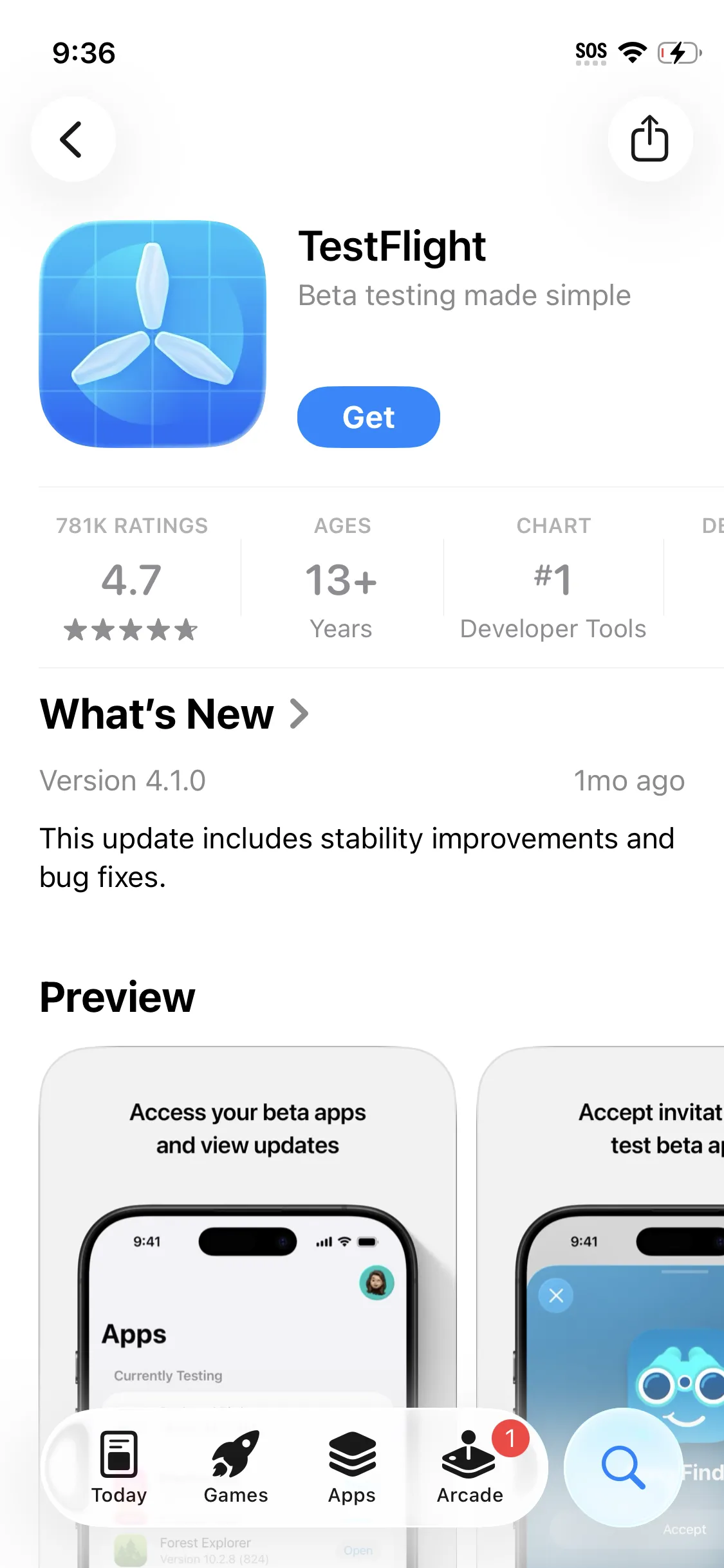
Step 2
Join Fred Books Beta
Now that you have TestFlight, tap the link below to join the private beta.
Join Beta Link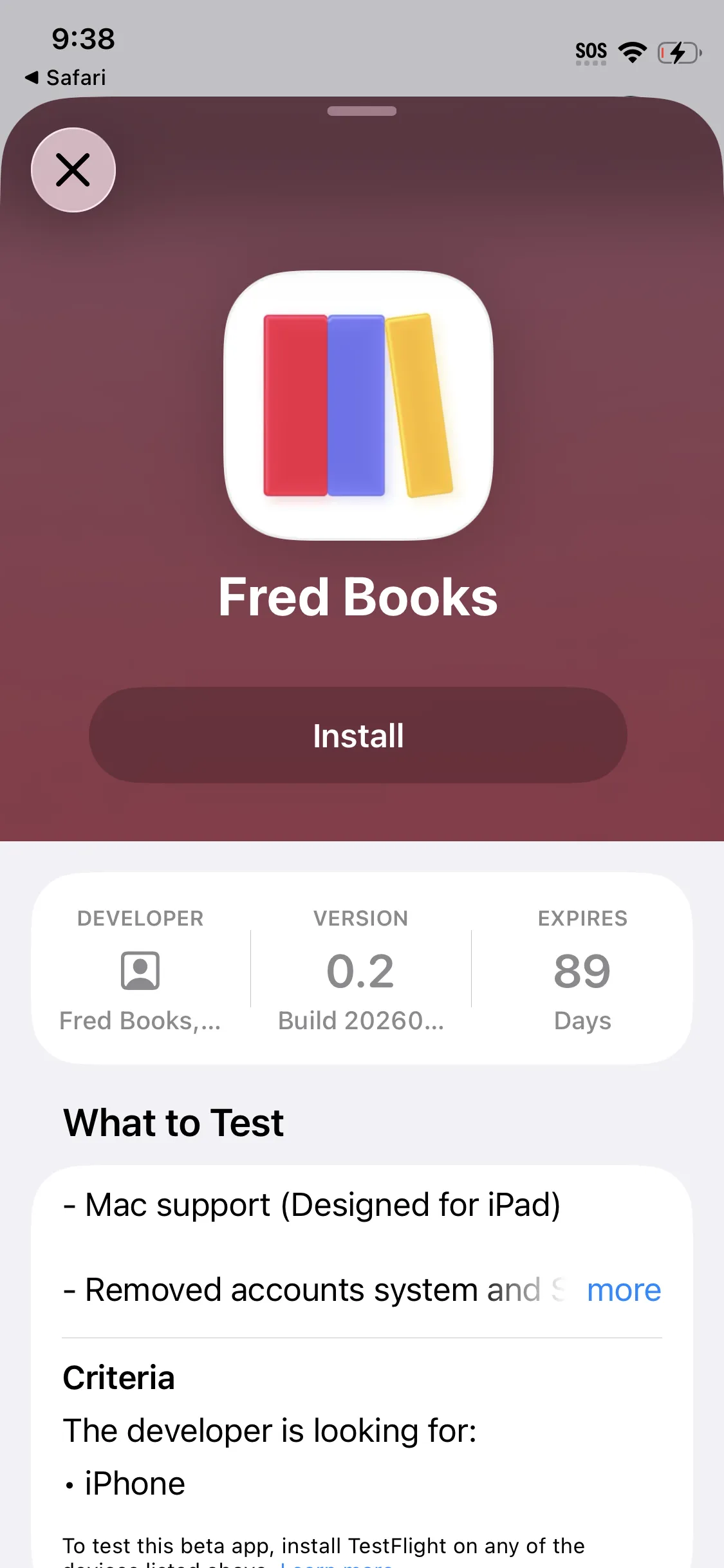
Tap "Install" once prompted. Once it says "Open", you're all set!
Step 3
Use the app
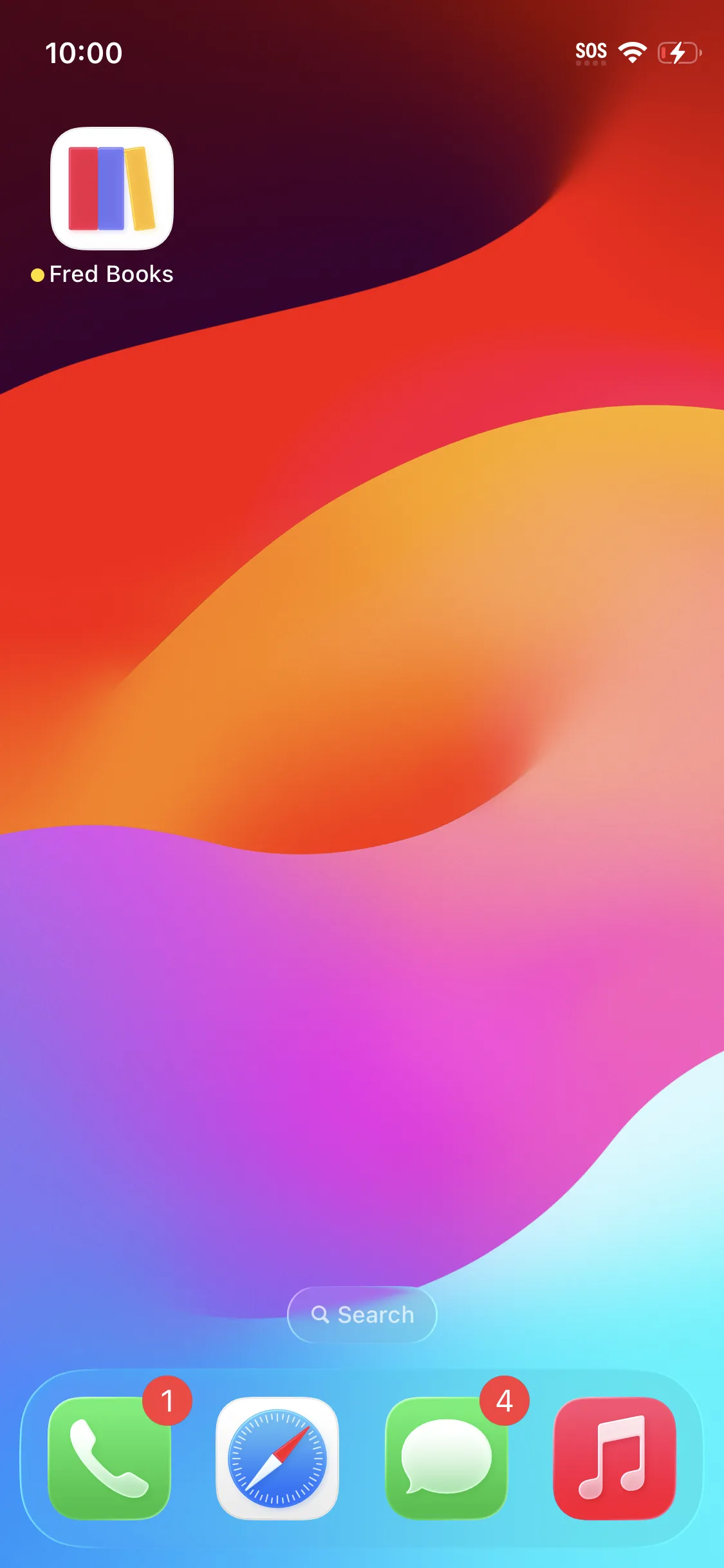
The app will appear on your home screen just like any other app. Enjoy the beta!
How to send feedback
Within Fred Books
Take a screenshot inside the app, tap the preview, then tap the checkmark to "Share Beta Feedback".
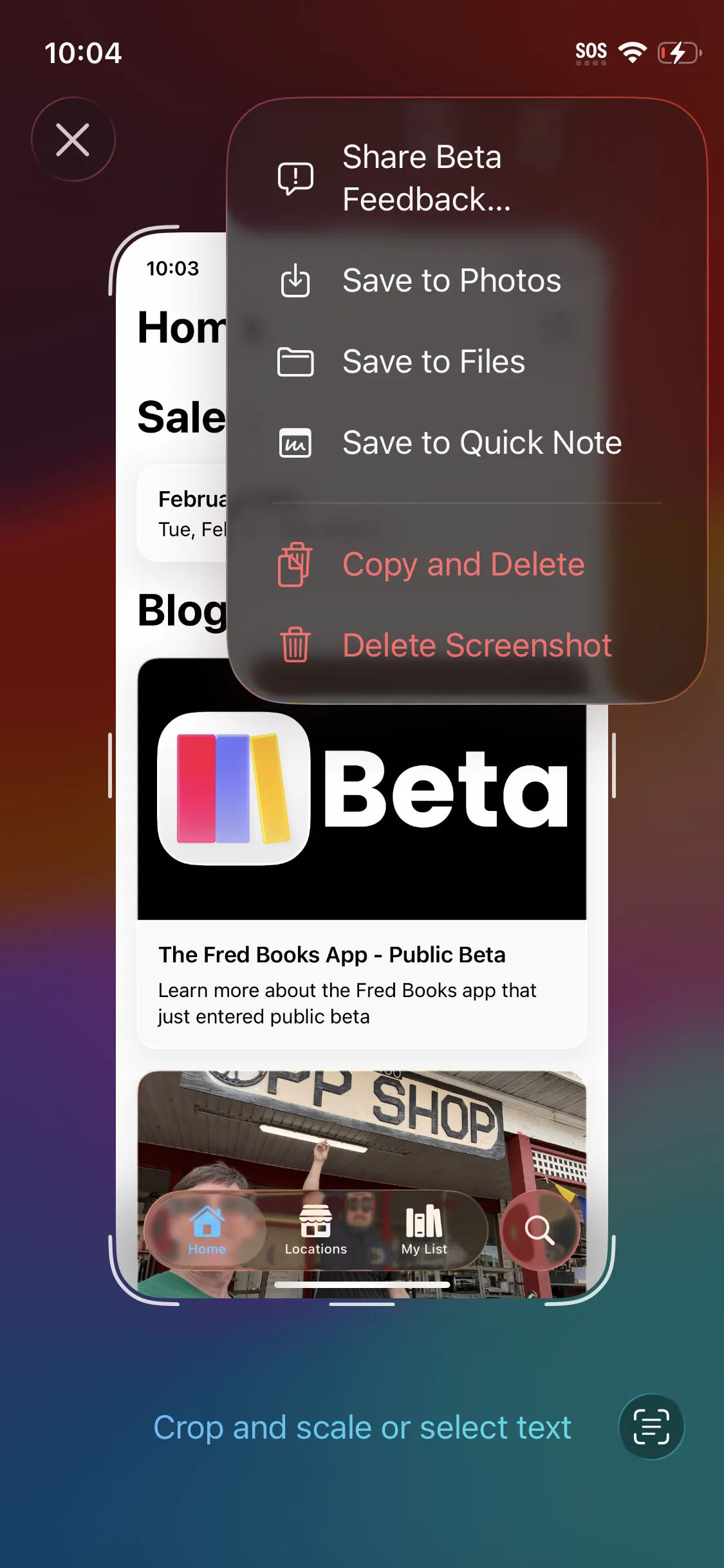
Inside TestFlight
Open TestFlight, find Fred Books, and tap "Send Feedback".